Sometimes a video contains a moment that deserves to be seen on its own. It might be a clever product demonstration, a funny reaction, a smooth animation, or a quick visual trick. Sharing the entire video can be unnecessary when a few seconds tell the whole story.
That is one reason GIFs continue to have a place in modern content. They are quick, visual, and easy to understand. A looping animation can demonstrate an idea in seconds without asking someone to press play or watch a lengthy recording. For bloggers, marketers, educators, and social media creators, this makes GIFs a useful way to repurpose video content.
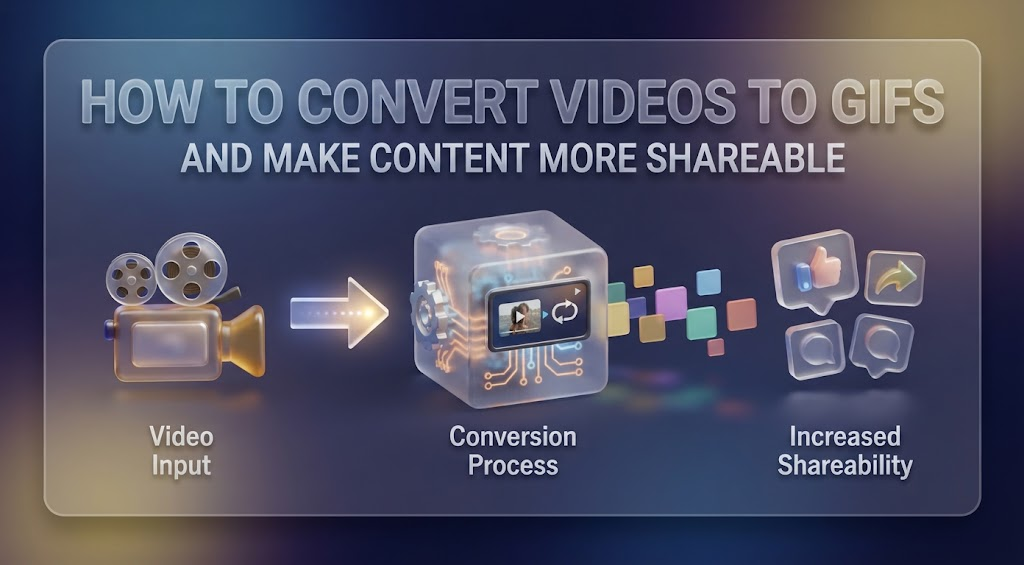
If you have useful footage already, a video to GIF converter can help turn selected moments into compact animations. The process can be especially useful when you want to reuse existing videos in blog posts, tutorials, social content, presentations, or other digital materials.
Start With Content You Already Have
Creating visual content does not always mean starting from a blank page.
Look through videos you have already published or recorded. You may find several short moments that could work independently. A product demonstration might contain a useful feature explanation, while an interview could include a particularly expressive reaction.
Even a screen recording can provide valuable material.
This approach is useful because the creative work has already been done. You are simply finding additional ways to distribute it.
Before converting anything, watch the video with a different question in mind: Which few seconds would still be useful if someone never watched the rest?
Those are the moments worth considering.
Choose a Clip With One Clear Message
The strongest GIFs are usually focused.
Instead of trying to capture an entire process, choose one action or idea. If you are explaining how to use an application, for instance, create an animation showing the specific button a user needs to click rather than recording the entire workflow.
For a product, focus on one feature.
For a social media post, focus on one reaction or visual moment.
For educational content, focus on one step.
This makes the finished animation easier to understand and prevents it from becoming unnecessarily long.
Keep the Animation Brief
There is a temptation to include as much footage as possible, but GIFs generally work better when they are concise.
A short animation can immediately capture attention and then loop naturally. A long one may take more time to load and can lose the viewer before reaching the important moment.
Try trimming anything that does not contribute to the main message.
For example, imagine you have a 20-second clip showing a new kitchen gadget. The most interesting part may only be the three seconds where the gadget transforms or demonstrates its main feature. There is little reason to include the other 17 seconds.
Think of the GIF as an excerpt, not a miniature version of the entire video.
Pay Attention to the First Frame
Because GIFs often begin playing automatically, the opening frame matters.
A viewer should have some idea of what they are looking at immediately. If the first frame is blurry, empty, or unrelated to the important action, the animation may not make much of an impression.
When possible, start with a frame that establishes the subject.
This is especially important for marketing content. If you are showing a product, make sure the product is visible early. If you are demonstrating software, begin near the action you want the reader to notice.
A strong opening makes the entire animation feel more intentional.
Create a Loop That Feels Natural
The repeating nature of GIFs is part of their appeal, but it can also expose poor editing.
If the final frame abruptly cuts back to the first, the viewer may notice an awkward jump every time the animation repeats.
Look for footage where the movement can naturally return to the beginning. Circular motion, repeated gestures, moving objects, and simple transitions can be particularly effective.
You can also experiment with different starting and ending points. Sometimes moving the beginning of a clip by just a fraction of a second creates a much smoother result.
Make Tutorials More Visual
GIFs can be particularly valuable in instructional content.
Written instructions explain what someone should do, but a short animation can demonstrate the action immediately.
Suppose you are publishing a guide about editing a photograph. Instead of explaining every menu selection in detail, you could use a short animation to show the process.
The reader sees the cursor move, the option being selected, and the result appearing.
This can reduce confusion and make the tutorial easier to follow.
The same technique works for software documentation, customer support articles, onboarding guides, online courses, and technical blogs.
Give Product Pages More Movement
Product photography is important, but static images cannot demonstrate everything.
A GIF can show movement or functionality in a compact format.
A clothing retailer could show how a garment moves. A furniture company could demonstrate a folding mechanism. A technology brand could show a device interface. A beauty brand could demonstrate how a product is applied.
The animation does not need to replace a full product video. Instead, it can provide a quick visual explanation for visitors who want to understand the product without watching a longer presentation.
Repurpose GIFs Across Channels
One useful animation can potentially serve several purposes.
You might use the same GIF in a blog article, then include it in a social media post, add it to a presentation, and incorporate it into a customer support resource.
However, do not assume that every GIF needs to be identical across platforms.
Consider the context. A GIF for an educational article might need explanatory text, while a social media version might work better when the visual moment is immediately obvious.
The footage can remain the same while the surrounding content changes.
Keep File Size Under Control
Quality matters, but so does performance.
GIFs can become large when they contain high-resolution footage, many frames, or long sequences. If you are adding animations to a website, oversized files can affect loading times and create a poor experience for visitors.
Use only as much resolution as the placement requires.
A small animation embedded in a blog post does not need the same dimensions as the original video. Shortening the duration can also help reduce the file size.
Before publishing, check how the animation looks on both desktop and mobile devices. A GIF that appears perfect on a large monitor may be unnecessarily detailed for a small mobile display.
Use GIFs Where They Add Value
Animation is not automatically an improvement.
If a GIF does not explain, demonstrate, entertain, or emphasize something, it may simply distract the reader.
Think about the role the animation plays in the content.
Does it make a complicated process easier to understand? Does it demonstrate something that a photograph cannot? Does it add personality to a social post? Does it highlight an important product feature?
If the answer is yes, it probably has a place.
If the animation is there only because the page feels too static, another visual format might work better.
Turn Old Videos Into New Opportunities
One of the biggest benefits of converting video into GIFs is the ability to extend the life of existing content.
A video that was published months ago may still contain useful moments. Instead of letting that footage disappear into an archive, identify short sections that can support newer content.
This can be particularly valuable for businesses that regularly produce webinars, demonstrations, interviews, tutorials, or social videos.
Your content library may contain far more reusable material than you realize.
Final Thoughts
A GIF does not need to be complicated to be effective. The best examples often focus on one small moment and communicate it quickly.
Start with useful footage, select a concise clip, make the opening frame count, create a smooth loop, and keep the final file practical for its intended destination. Most importantly, make sure the animation serves a purpose.
When you approach GIF creation as a form of content repurposing rather than simply another visual trend, a few seconds of existing video can become a surprisingly versatile asset.
